
Your iPhone is now your GoTyme Bank card.

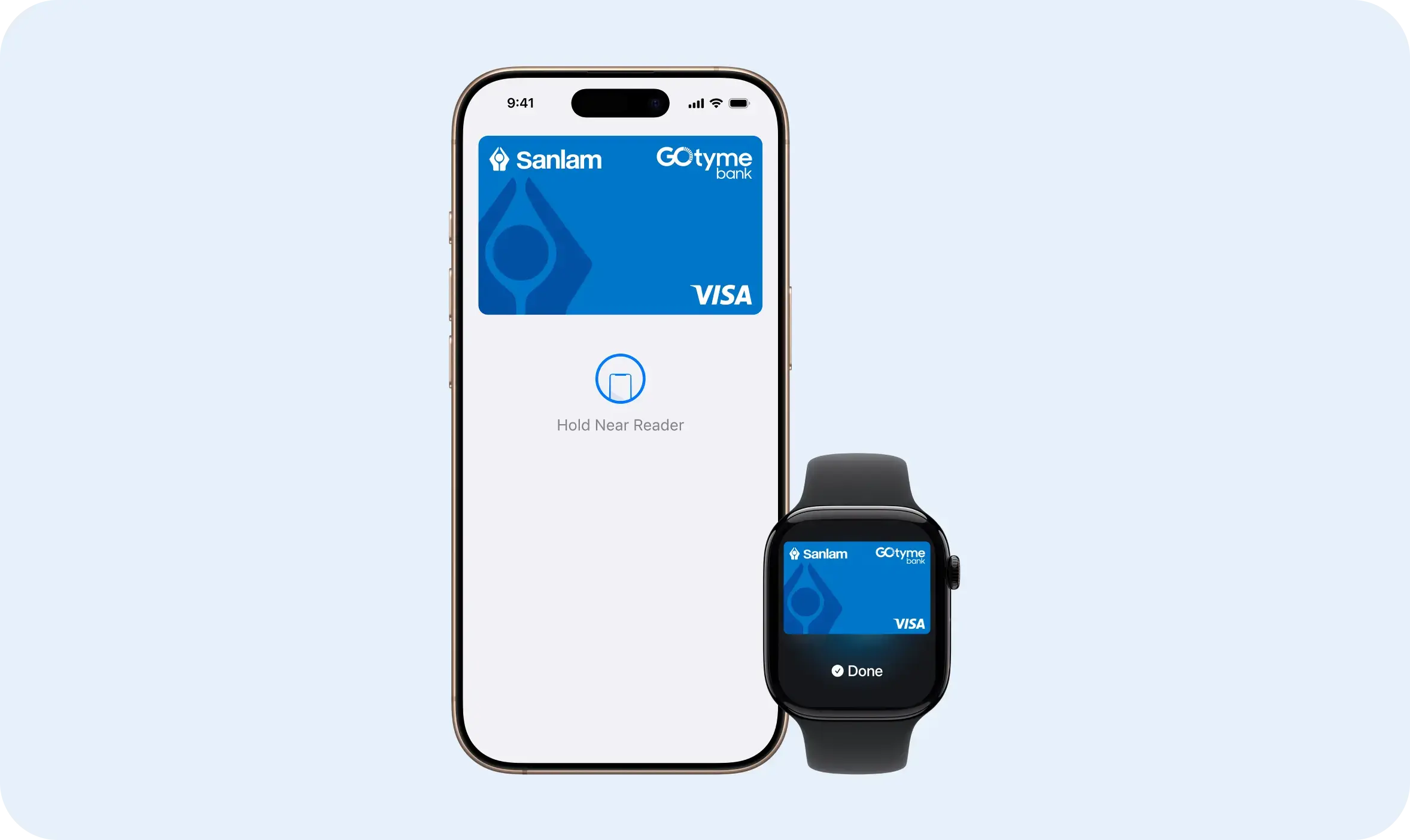
Designed to be secure.
So only you can pay.
Easy payments.
Online or in person.
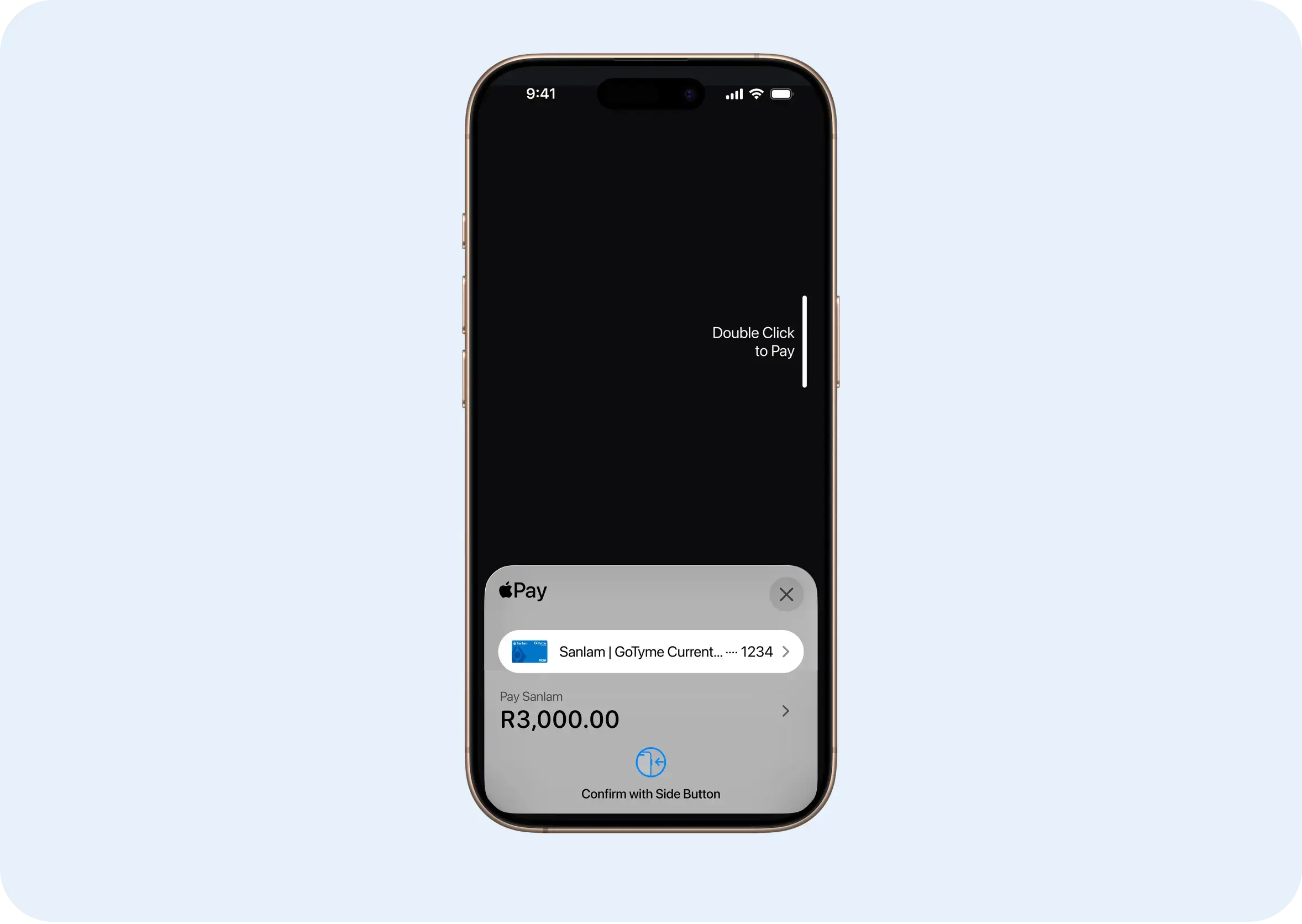
How to use Apple Pay.

Add a card

Pay with Face ID

Pay with Touch ID
faqs
Need help with Apple Pay?
Can I add cards from other banks?
Yes, as long as those banks support Apple Pay.Can I add my card again after deleting it?
Yes, you can add it again. Deleted cards must be re-added (only suspended cards can be resumed).How many cards can I add to one device?
This depends on your iOS version. From iOS 17 onward there is no Max limit on number of cards that can be added to Wallet.How many devices can I add my card to?
You can add your card to up to 10 devices.
Terms and Conditions Apply: To use Apple Pay you need a supported card from a participating card issuer. To check if your card is compatible with Apple Pay, contact your card issuer. Apple Pay is not available in all markets. View Apple Pay countries and regions. Features are subject to change. Some features, applications, and services may not be available in all regions or all languages and may require specific hardware and software. Must have an eligible and supported card. Not available in all markets. To use this feature, your card must be NFC enabled and you may need to enter your card’s security code during setup. Software requirements apply. To ensure you have all features of this product, update your iPhone to the latest software version.